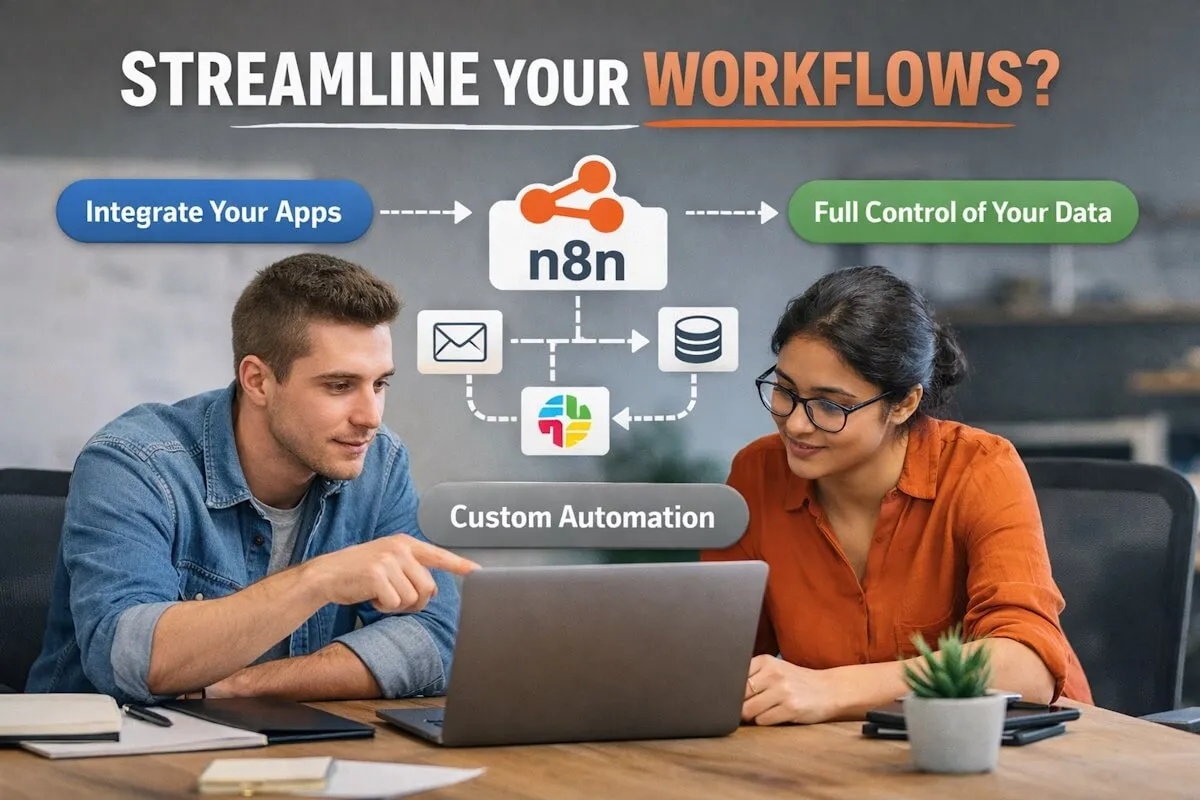
You’ve probably felt it already. Too many repetitive tasks. Too many tools that don’t talk to each other. And a team that spends more time managing workflows than actually moving work forward.
So the question pops up. Is there a better way to connect everything without turning your setup into a mess?
That’s where n8n enters the picture.
But is it the right fit for your company? Or just another tool that sounds good on paper?
Let’s break it down in a way that actually helps you decide.
What is n8n and why are companies talking about it?
n8n is a workflow automation tool. At its core, it lets you connect apps, move data between them, and automate tasks that would otherwise take hours.
Simple idea. Powerful results.
You can trigger workflows when something happens. A new lead comes in. A payment is completed. A form is submitted. Then actions follow. Send emails, update CRM records, notify your team, or push data to another system.
The difference with n8n? It gives you control.
You’re not locked into rigid templates. You can build workflows that match how your business actually runs.
And yes, that matters more than most people think.
Why automation is no longer optional
Let’s be real. Manual processes slow everything down.
You miss leads. You forget follow-ups. Data gets messy. Teams waste time switching between tools.
Now imagine this.
A customer fills out a form. Instantly, your CRM updates. Your sales team gets notified. A welcome email goes out. A task is created for follow-up.
All without anyone lifting a finger.
That’s not a luxury anymore. It’s expected.
If your competitors are already automating and you’re not, you’re already behind.
Where n8n stands out from other tools
There are plenty of automation tools out there. Zapier, Make, and others.
So why do people lean toward n8n?
1. Flexibility that actually matters
n8n lets you build workflows that aren’t limited by pre-defined paths.
You can add custom logic. Conditional steps. Loops. Even code if needed.
That means your automation doesn’t feel forced. It feels natural.
2. Self-hosting option
This is a big one.
If your company cares about data privacy or wants full control, n8n allows self-hosting.
You decide where your data lives.
That alone makes it attractive for many teams.
3. Cost control
Most automation tools charge based on usage. More workflows, more cost.
n8n gives you more breathing room, especially when self-hosted.
You’re not constantly worrying about hitting limits.
4. Developer-friendly without being developer-only
You don’t need to be a coding expert to use n8n.
But if you are one, you’ll appreciate the control.
That balance is rare.
When n8n makes perfect sense for your company
Not every tool fits every business. Let’s get specific.
You rely on multiple tools
If your team uses CRM, marketing tools, analytics platforms, support systems, and internal apps, things can get messy fast.
n8n acts like the glue.
It connects everything and keeps data flowing smoothly.
You want custom workflows
Some businesses don’t fit into standard templates.
If your processes are unique, rigid tools will frustrate you.
n8n lets you build workflows that match your operations instead of forcing you to adapt.
You care about data control
If you’re handling sensitive data, self-hosting becomes important.
n8n gives you that option.
You stay in control.
You have technical support available
While n8n is user-friendly, having someone technical helps unlock its full potential.
That’s where many companies choose to work with experts offering n8n automation services to speed things up and avoid trial-and-error setups.
When n8n might not be the best fit
Let’s not pretend it’s perfect for everyone.
You want plug-and-play simplicity
If you just want something that works out of the box with minimal setup, other tools might feel easier.
n8n has a learning curve.
Not huge, but it’s there.
You don’t have technical resources
Without someone to manage workflows, things can get confusing.
You can still use it, but you might not tap into its full value.
You only need basic automation
If your needs are very simple, like connecting two apps with one trigger, you might not need something as flexible as n8n.
Real use cases that show its value
Let’s make it practical.
Lead management
A new lead comes in from your website.
n8n can:
- Add the lead to your CRM
- Assign it to a sales rep
- Send a welcome email
- Notify your team on Slack
All in seconds.
E-commerce workflows
Customer places an order.
n8n can:
- Update inventory
- Send order confirmation
- Notify fulfillment team
- Trigger follow-up emails
Internal operations
Team submits a request.
n8n can:
- Create a task in your project tool
- Notify the right department
- Track progress
Less back-and-forth. More clarity.
The role of experts in making n8n work for you
Here’s the thing.
The tool is powerful. But the setup decides the outcome.
Poorly designed workflows can create confusion instead of solving it.
That’s why many companies choose to hire n8n developers who understand both business logic and technical setup.
They help you:
- Map your processes clearly
- Build efficient workflows
- Avoid unnecessary complexity
- Keep everything scalable
It saves time. And honestly, it prevents headaches.
Questions you should ask before choosing n8n
Before jumping in, pause and think.
- What processes are you trying to automate?
- How complex are your workflows?
- Do you need full control over your data?
- Do you have someone to manage and maintain workflows?
- Are you planning to scale automation across teams?
Your answers will guide you.
Common mistakes companies make with automation
Even with the right tool, things can go wrong.
Trying to automate everything at once
Start small.
Pick one workflow. Get it right. Then expand.
Ignoring process clarity
If your process is messy, automation won’t fix it.
It will just make the mess faster.
Overcomplicating workflows
Keep things simple.
Complex doesn’t always mean better.
Skipping testing
Always test workflows before going live.
One small mistake can create big issues.
How to get started with n8n the right way
You don’t need a perfect plan.
But you do need a smart approach.
Step 1: Identify repetitive tasks
Look at what your team does daily.
Where is time being wasted?
Step 2: Map the workflow
Write down the steps.
Trigger. Actions. Outcomes.
Keep it clear.
Step 3: Build and test
Start with a simple version.
Test it. Improve it.
Step 4: Expand gradually
Once one workflow works, move to the next.
Build momentum.
So, is n8n the right choice?
It depends on what you value.
If you want flexibility, control, and the ability to build workflows that match your business, n8n is a strong option.
If you prefer something ultra-simple with minimal setup, you might look elsewhere.
But here’s the real question.
Do you want your tools to adapt to your business, or do you want your business to adapt to your tools?
That answer usually makes the decision clear.
A smarter way forward
Automation isn’t just about saving time.
It’s about removing friction.
It’s about giving your team space to focus on work that actually matters.
n8n can help you do that. But only if you use it with intention.
Start small. Build smart. And don’t hesitate to bring in the right expertise when needed.
Because when automation is done right, it doesn’t just support your business.
It quietly pushes it forward.
